
For YouTube creators with existing banner art

Make existing YouTube banner art survive every crop.

BannerSafe for YouTube is a small desktop utility for creators who already have banner artwork. Import a PNG or JPG, mark the logo, mascot, face, subtitle, or other protected areas, preview the YouTube canvas and device crops, then export a 2560 x 1440 banner that keeps the important parts visible.

Available now for macOS and Windows as separate $9.99 direct-download products through secure Lemon Squeezy checkout. Choose the desktop version that matches the computer where you will run BannerSafe.

PNG or JPG import Protected regions YouTube crop guides 2560 x 1440 export No login
Current app screenshots

Light and Dark mode, using the same banner test file.

These screenshots show the actual desktop app with the test banner used during development. There is no planned product demo for BannerSafe; the product proof is the interface itself and the crop-safety behavior it exposes.

Light mode crop workspace The app shows the imported banner, YouTube crop guides, placement mode controls, manual scale and offset controls, protected-region entry, and export controls in one focused window.
Same crop check in dark mode The same banner-safety workflow is available in a lower-glare workspace for creators who work in dark macOS appearance.

What the current app proves

  • Current screenshots show a real PNG banner loaded into the app, not a marketing mockup.
  • The canvas includes the full TV canvas, desktop strip, and mobile/logo safe guide.
  • The inspector exposes source size, safety status, placement modes, manual fit controls, protected regions, and export.
Presentation boundary

  • BannerSafe is presented as a small precision utility, not a generic graphics editor.
  • The page uses screenshots and crop proof instead of promising a product demo.
  • Mac and Windows purchase links are live through separate Lemon Squeezy checkout pages.

Best fit

  • Creators who already have channel banner artwork and want to avoid accidental crop damage.
  • Logo, mascot, subtitle, face, and channel-name checks before upload.
  • A short safety pass between external banner design and the final YouTube upload.
Crop proof

The product is about what survives the upload crop.

The site uses the same test banner that exercised the app prototype. The important signal is not decoration; it is whether a logo, mascot, subtitle, or other protected content remains inside YouTube's effective crop zones.

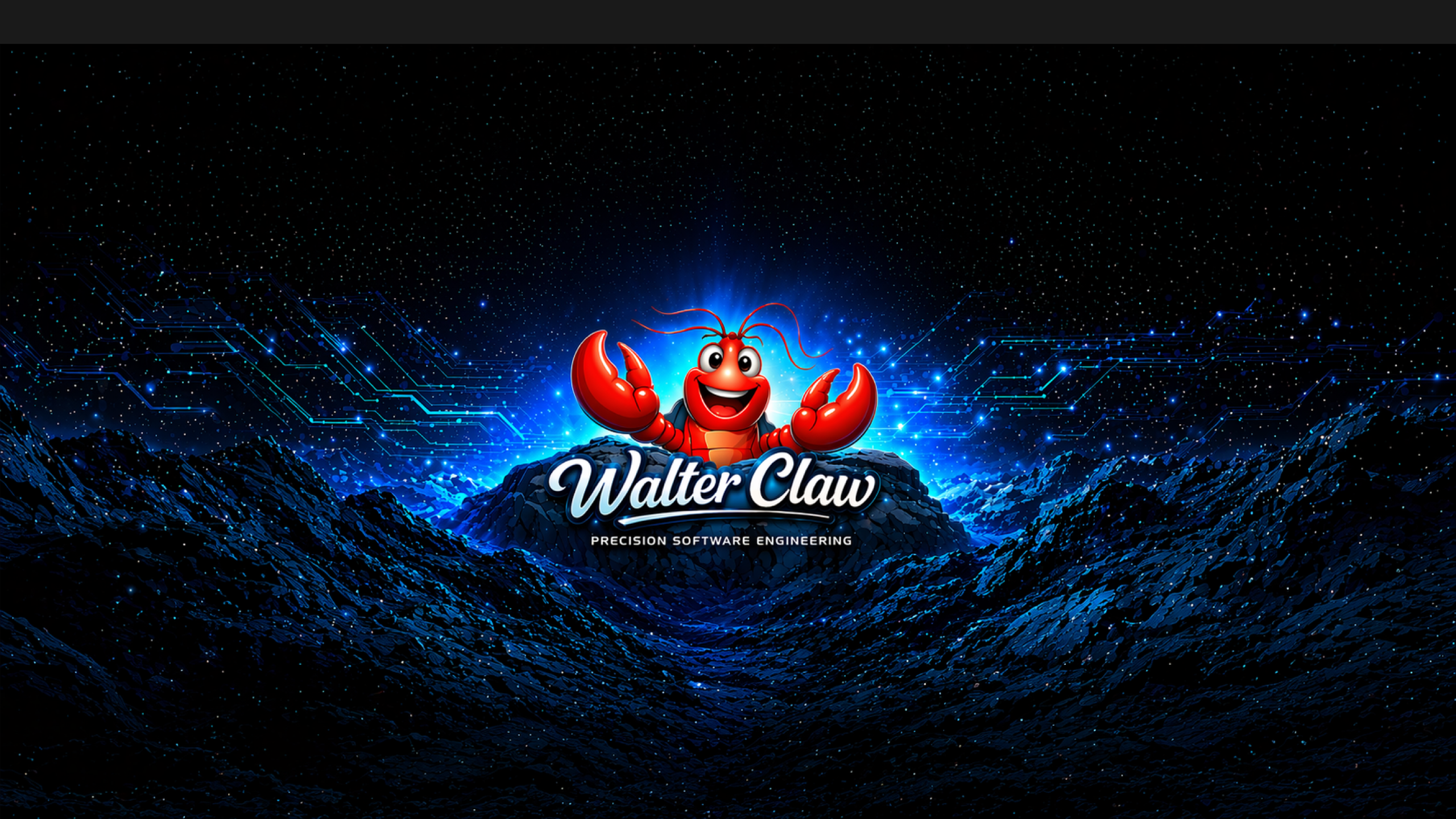
Sample YouTube banner used to test BannerSafe crop preview behavior. TV full canvas Desktop strip Mobile/logo safe
Representative YouTube crop preview BannerSafe focuses on the full 2560 x 1440 YouTube canvas, desktop strip, and mobile/logo safe region so creators can check the parts of an existing banner that must stay visible.

Protected-region safety

Users mark critical parts of the existing art, then the app validates whether those regions survive the crop guides.

Placement modes with a purpose

Max Impact favors larger artwork, Balanced uses moderate margins, and Safest adds extra protection for crop-sensitive content.

Local-first desktop workflow

The core job is handled locally: import an image, preview crop safety, adjust placement, and export the final upload image.

Workflow

A focused pass between banner design and YouTube upload.

The best user already has banner art. BannerSafe helps them stop fighting YouTube's changing preview crops by making the safe regions visible before export.

1. Import existing art

Open a PNG or JPG that already represents the channel banner artwork.

2. Mark protected regions

Draw boxes around the logo, mascot, face, subtitle, or other content that must survive.

3. Preview and fit

Use the canvas, crop guides, scale, position, and placement modes to find a safer composition.

4. Export for upload

Save the final 2560 x 1440 image for YouTube channel banner upload.

Storefront

BannerSafe for YouTube is available for Mac and Windows.

BannerSafe is sold through secure Lemon Squeezy checkout as separate $9.99 desktop products for macOS and Windows. Buyers receive the installer for the platform they choose, plus download and support instructions in the order flow.