Decision point
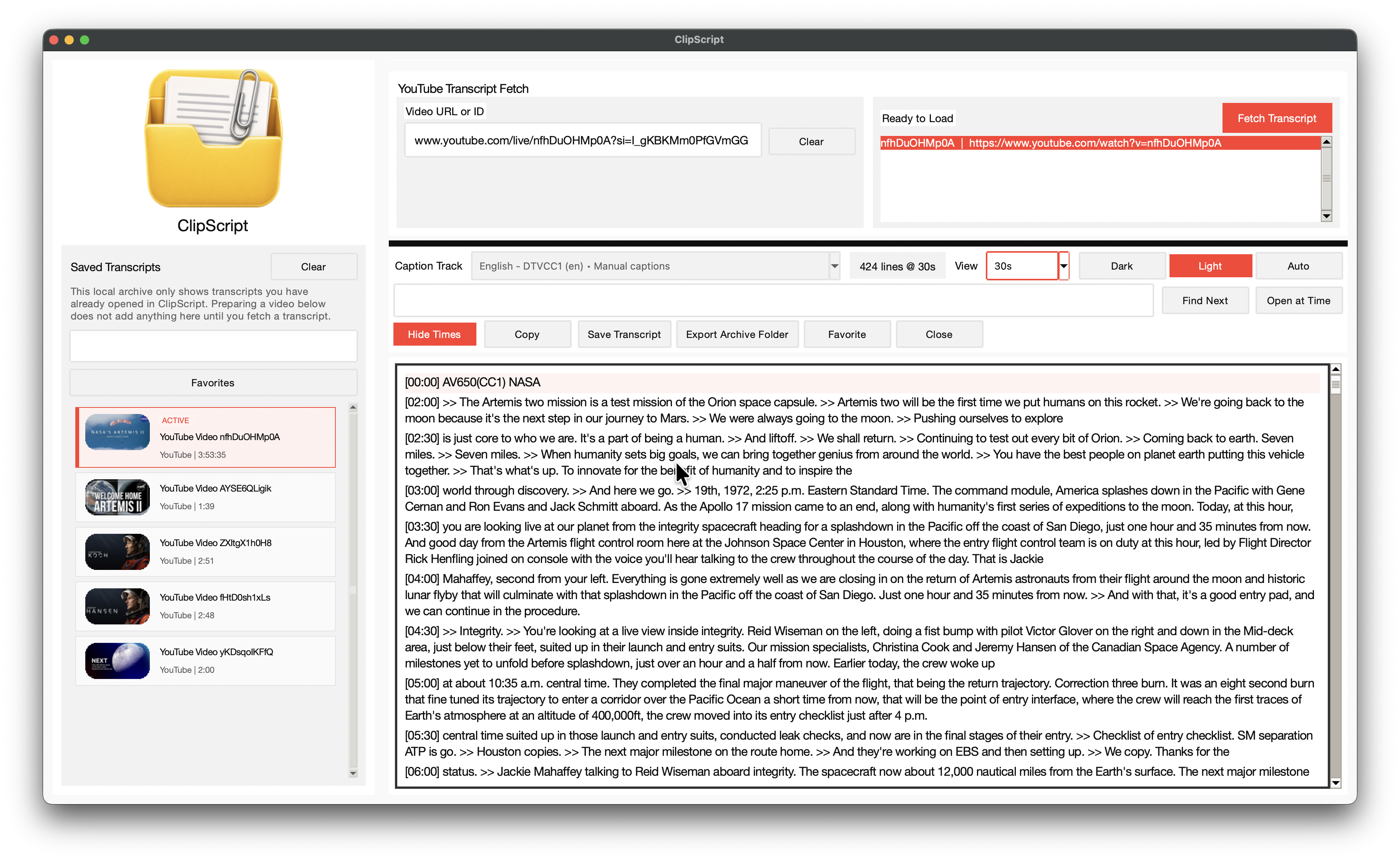
ClipScript
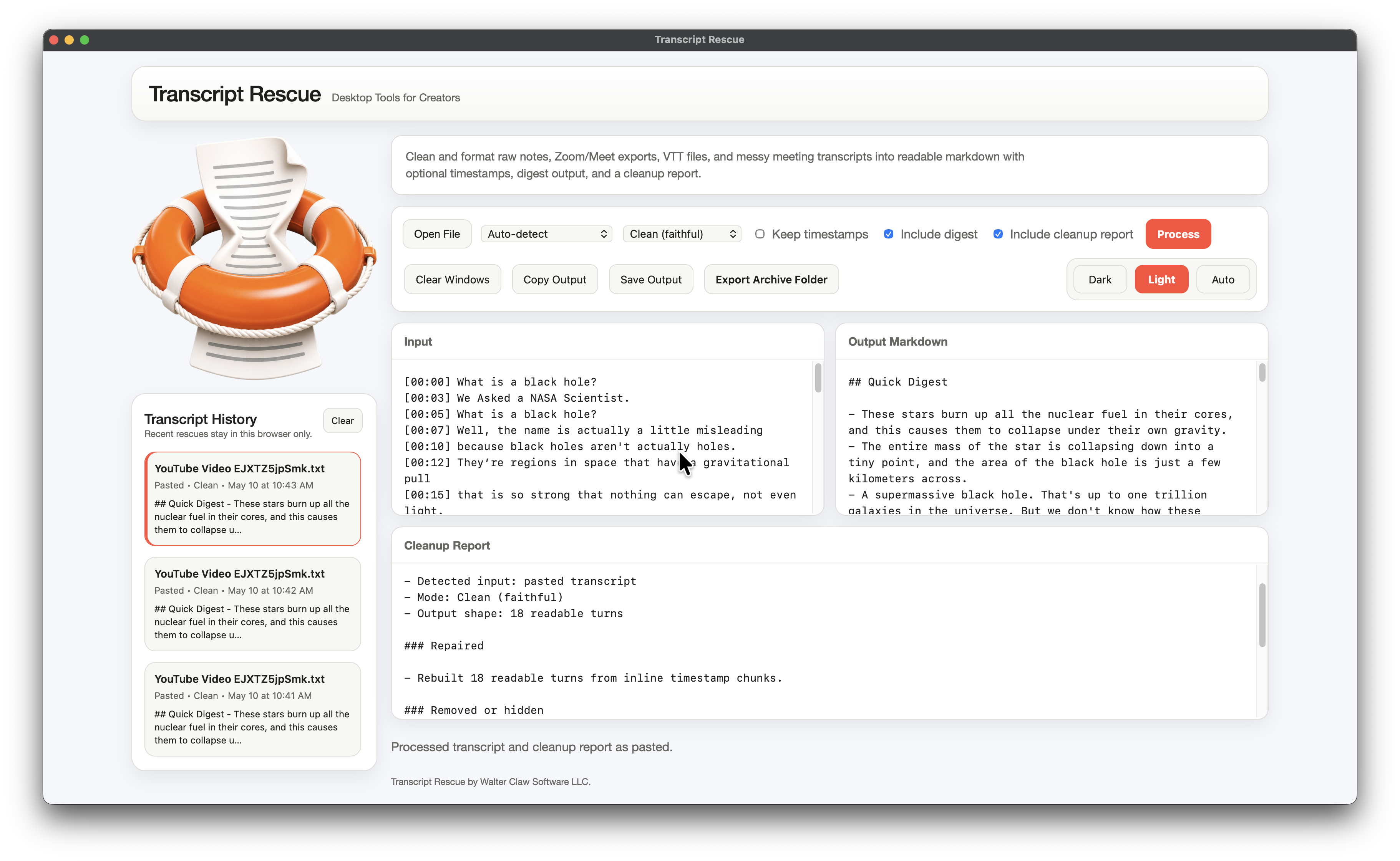
Transcript Rescue
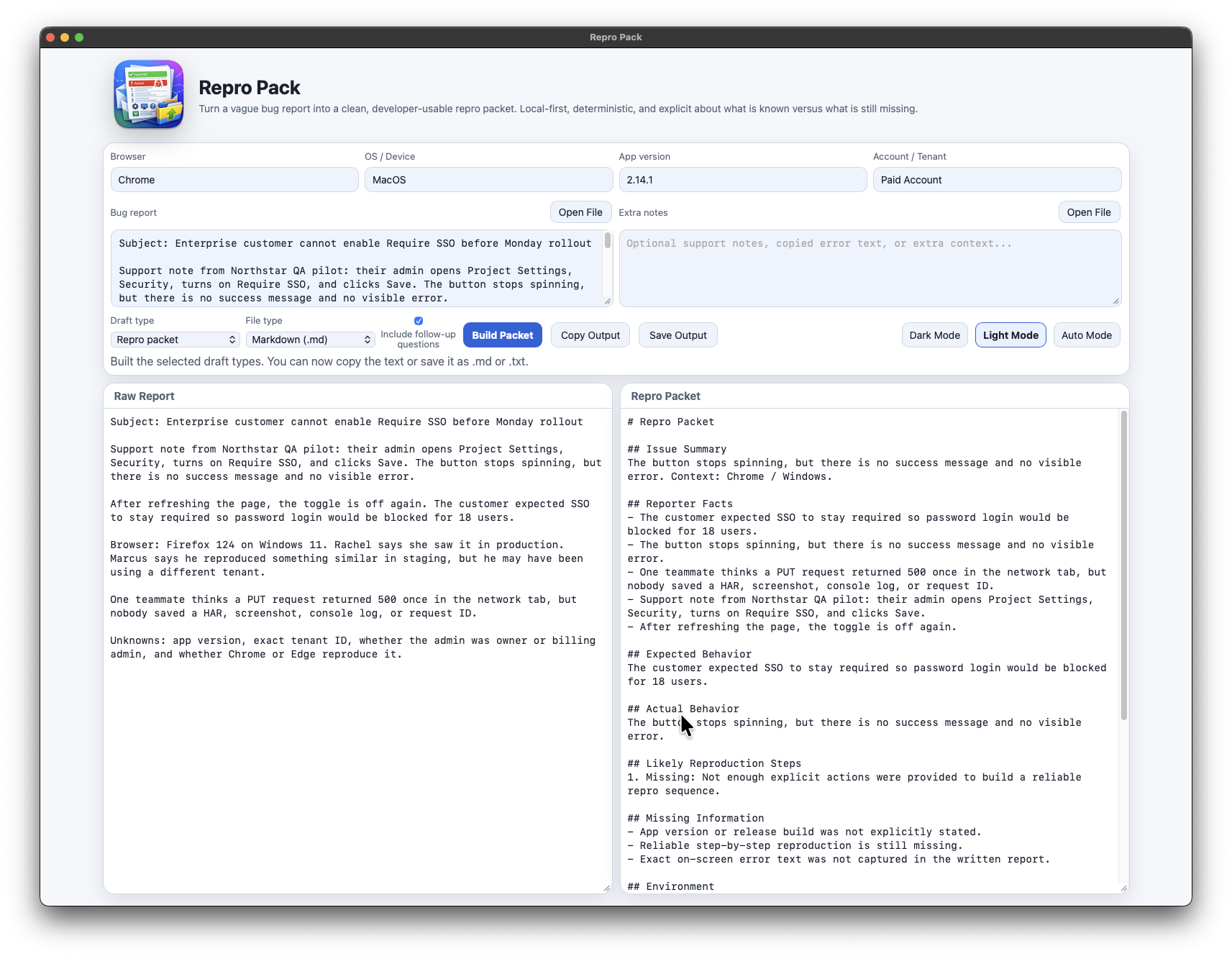
Repro Pack
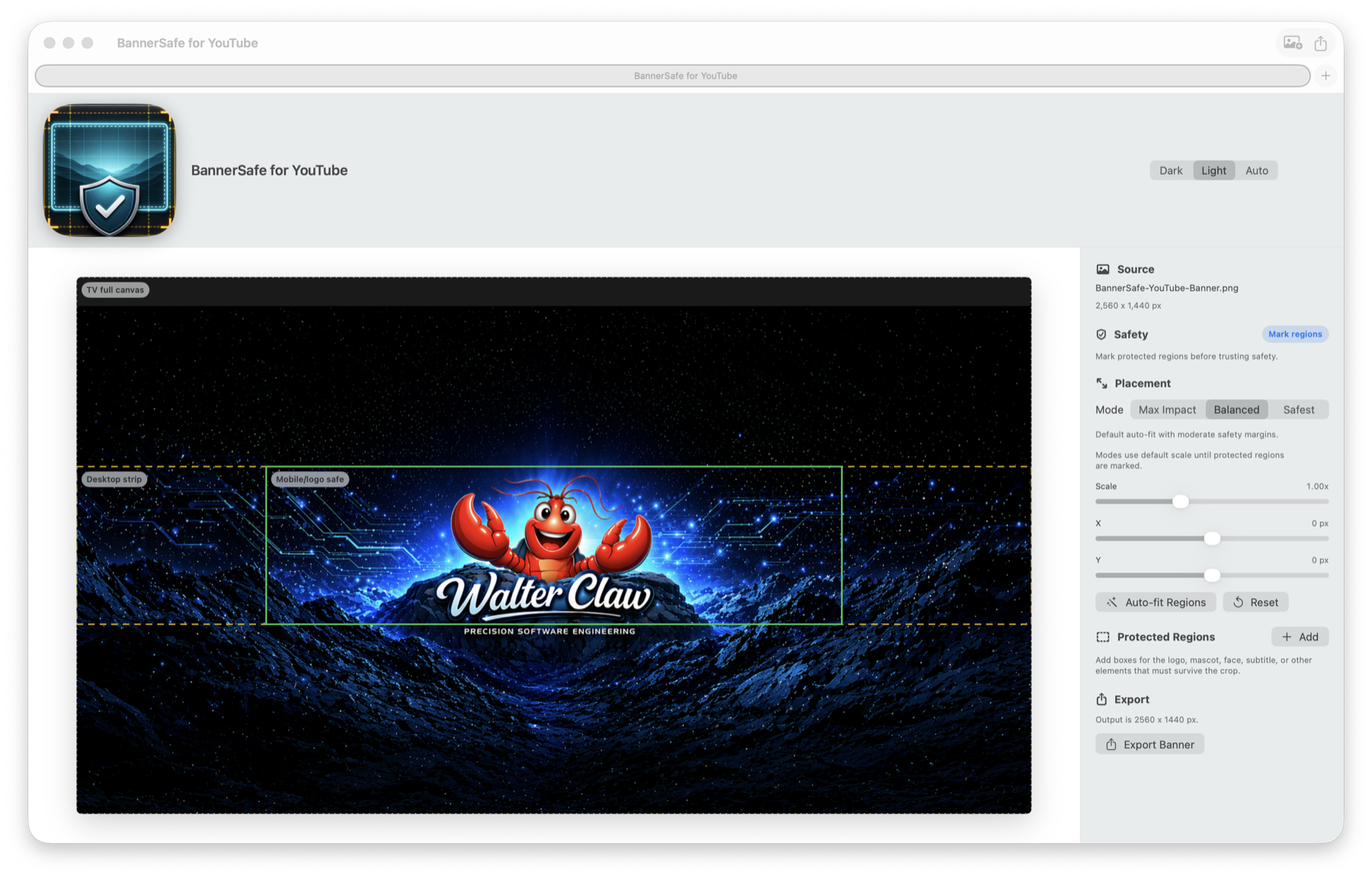
BannerSafe
App Icon Creator
Best when
You need a reusable transcript workspace for captioned YouTube videos.
You need rough transcript text cleaned into readable output fast.
You need a vague bug report turned into a cleaner engineering handoff.
You need existing YouTube banner art checked against desktop, mobile, and TV crops.
You need a logo PNG turned into correctly scaled Mac and Windows app icon files.
Core job
Fetch, save, search, organize, and export transcripts from videos with captions.
Clean noisy transcript inputs with optional timestamps, digests, and reports.
Structure repro steps, expected behavior, actual behavior, missing information, and follow-up questions.
Import banner art, mark protected regions, preview crop guides, and export 2560 x 1440.
Correct visible icon size, export PNG/ICNS/ICO files, and generate proof sheets.
Proof on site
Real screenshots, a narrated walkthrough, and live direct-download checkout.
Real screenshots, a live demo, and direct proof of cleanup output.
A raw report example, generated packet sample, and live Mac and Windows checkout.
Representative YouTube crop preview using the app's test banner fixture.
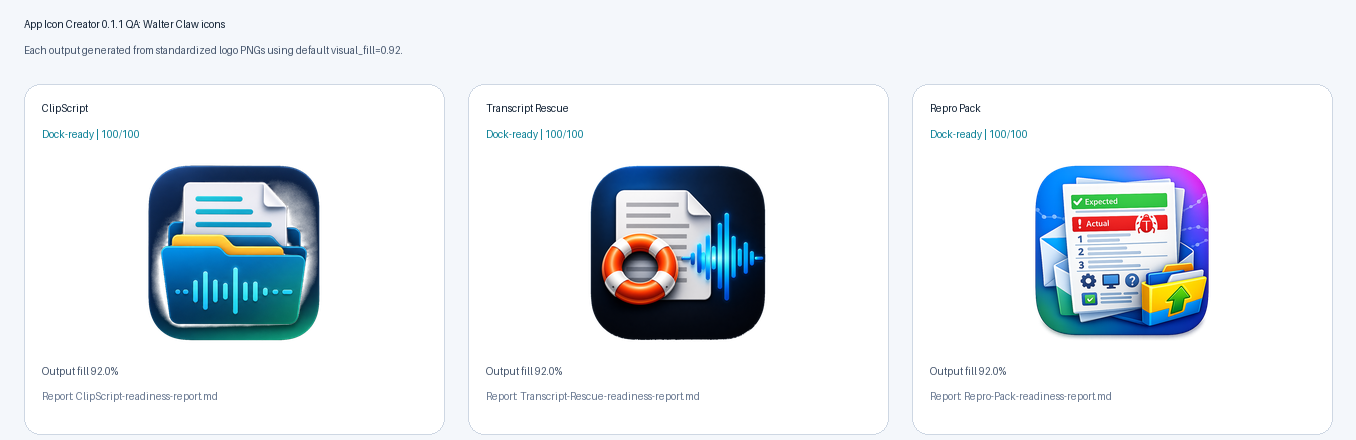
Real app screenshot, QA summary, and proof sheets generated from Walter Claw app logos.
Current availability
ClipScript Desktop for Mac is live on the Apple App Store; ClipScript Desktop for Windows is live in the Microsoft Store. Direct macOS and Windows downloads remain available.
macOS and Windows direct downloads, $9.99 per desktop version. Transcript Rescue is submitted to the Apple App Store and under review.
macOS and Windows direct downloads, $9.99 per desktop version. Planned for Apple submission after Transcript Rescue review.
macOS and Windows direct downloads, $9.99 per desktop version.
macOS and Windows direct downloads, $9.99 per desktop version. The macOS download is signed and notarized; the Windows installer is currently unsigned, so SmartScreen may warn.
Workflow style
Longer-lived archive and reuse workflow.
Narrow cleanup pass when readable output is the whole job.
Short repro-packaging pass before the issue reaches a tracker or engineer.
Short crop-safety pass between banner design and YouTube upload.
Short icon-standardization pass before app packaging or storefront media updates.


 Transcript Rescue
 Repro Pack
 BannerSafe for YouTube
 App Icon Creator